CP Spinners
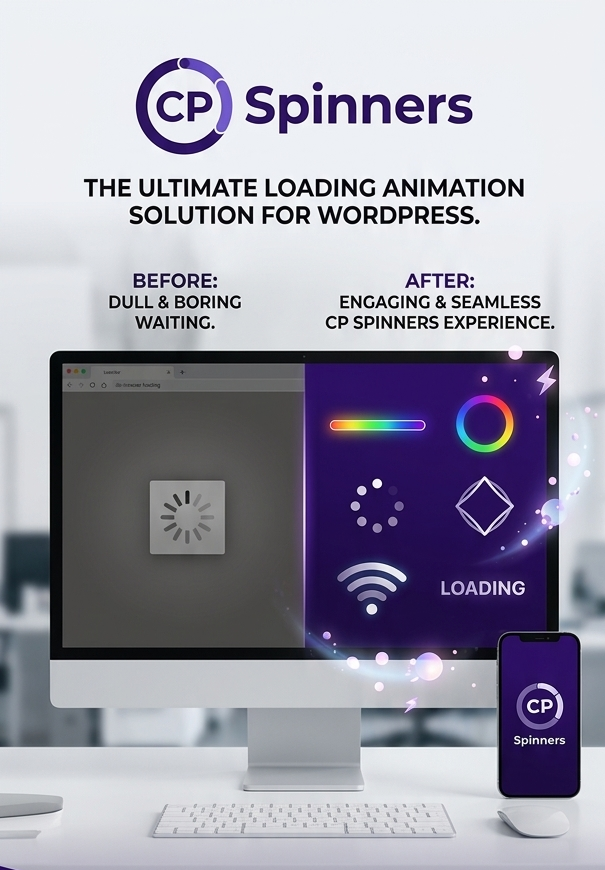
Add a smooth, professional loading overlay to your WordPress site whenever visitors navigate between pages. CP Spinners is a lightweight loading utility designed to display customizable, accessible frontend loaders without relying on heavy external libraries or jQuery. This plugin lets you choose from 32 unique spinner styles across 8 categories.
CP Spinners: Smarter Frontend Loading for WordPress
Deliver a polished visual transition between pages and eliminate the feeling of delay on slower loads. CP Spinners adds a customizable loading overlay to your WordPress site while pages and assets resolve. Designed with practical usability, accessibility, and clean code in mind, it delivers a professional loading experience without bogging down your site with heavy frontend dependencies.
Whether you are building an ecommerce store, a business portfolio, or a content-heavy platform, CP Spinners provides an immediate visual cue that keeps visitors engaged while navigating your website.
Key Benefits & Performance
-
Lightweight & Fast: Built with vanilla JavaScript on the frontend. It requires zero jQuery dependency to ensure optimal site speed and performance.
-
Accessibility First: Features accessible overlay states using ARIA attributes (including role=”status” and aria-busy=”true”) to ensure seamless compatibility with screen readers. It also includes built-in reduced-motion support for visitors whose browser or operating system is configured to reduce animation.
-
Live Interactive Preview: Test and refine your spinner appearance in real time. You can view visual state changes directly within the clean WordPress admin settings screen.
-
Enterprise-Grade Security: Utilizes a narrow spinner HTML allowlist and centralized settings normalization. It exports frontend configuration through encoded inline script data instead of misusing localization patterns, ensuring complete output safety and debugging protection.
Complete Feature Overview
-
32 Unique Spinner Styles: Choose from a diverse library of responsive loaders. Styles are organized into 8 distinct categories: Classic, Dots, Bars, Shapes, Animated, Text, Colorful, and Indicators.
-
Total Visual Customization: Easily adjust primary and secondary colors to match your brand identity. Control spinner sizing from 16px up to 240px, and fine-tune overlay opacity and backdrop blur effects.
-
Precision Timing Controls: Set minimum display times to prevent unnatural visual flashing on fast page transitions. You can also customize the overlay fade-out speed from instant cuts to slower, smooth animations.
-
Z-Index Management: Easily resolve visual stacking conflicts with theme elements or sticky headers using dedicated Z-index controls.
-
Works With Your Workflow: Compatible with most standard WordPress themes and popular page builders. The frontend script automatically avoids running inside iframe-based editing contexts to prevent interference with visual editors.
Smart Exclusions & Safeguards
-
Automatic Link & File Detection: Automatically ignores common file downloads, including PDFs, ZIPs, images, audio, video, and office documents. It also safely skips email links, phone links, same-page hash links, and links that open in a new tab.
-
WooCommerce Protection: Includes built-in safeguards for WooCommerce cart, checkout, and account pages. This prevents unwanted conflicts with cart fragments, dynamic checkout updates, and user account interactions.
-
Custom Exclusion Rules: Exclude specific links by adding the no-cps-spinner CSS class to any anchor tag. You can also target link groups using custom CSS selectors or exclude entire page paths by listing URL paths in the settings.
-
Conditional Display Options: Choose whether to show or hide loading overlays on external outbound links. You also gain full toggle control over standard form submissions and WordPress admin bar links for logged-in users.
Technical Specifications
-
Minimum WordPress Version: WordPress 5.8
-
Tested Up To: WordPress 7.0
-
Minimum PHP Requirement: PHP 7.4
-
Frontend Scripts: Vanilla JavaScript (No jQuery required)
-
Accessibility Standards: ARIA state updates and prefers-reduced-motion support
-
Developer Support: Direct CP Support link to WPClearPath.com included in the plugin UI
Related Products
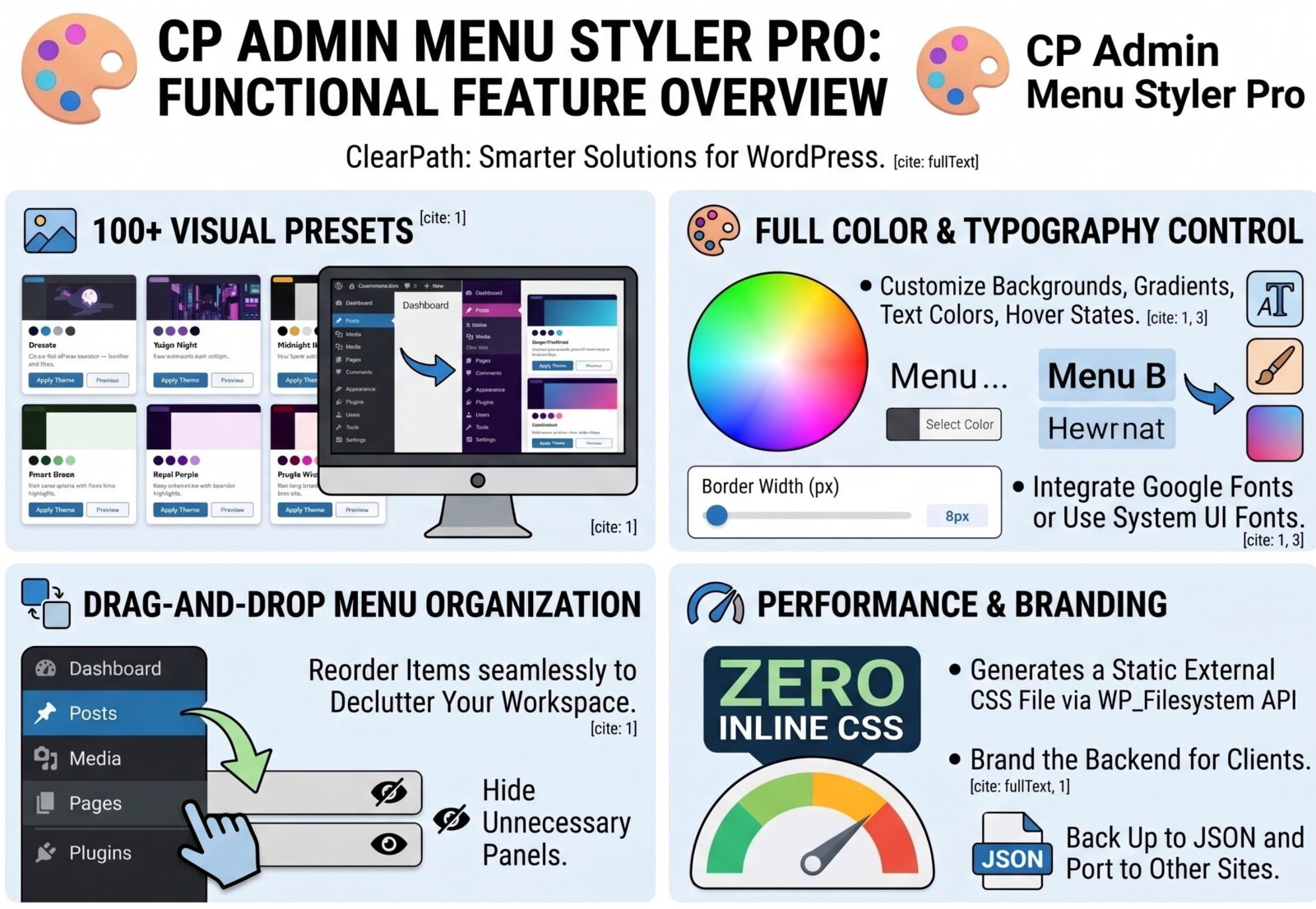
CP Admin Menu Styler Pro
Transform your WordPress dashboard with CP Admin Menu Styler Pro. Customize the admin menu with 100 professional preset themes, custom colors, fonts, gradients, menu organization tools, dark mode styles, and import/export options. Built by ClearPath Software Solutions, this lightweight plugin helps you create a cleaner, branded, and more enjoyable admin experience without adding dashboard bloat.
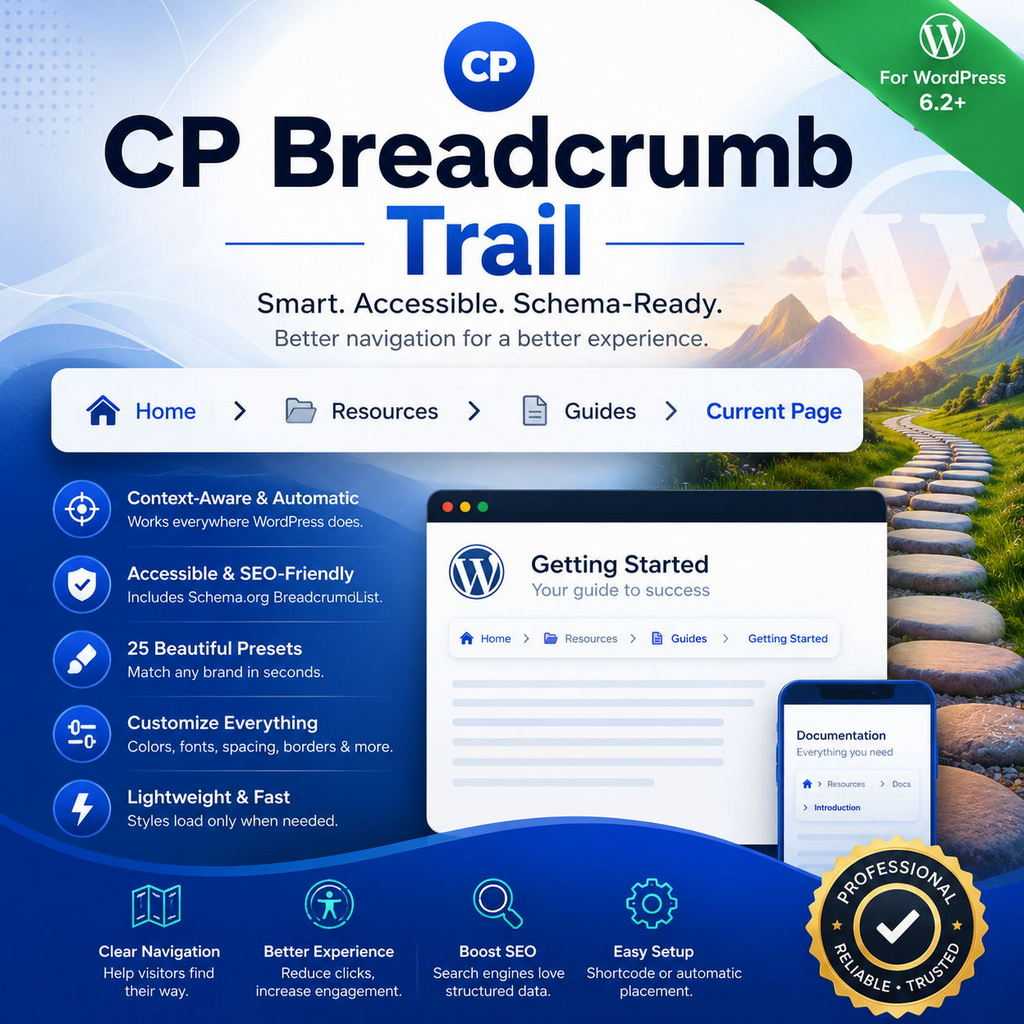
CP Breadcrumb Trail
CP Breadcrumb Trail adds intelligent, accessible, and schema-ready breadcrumb navigation to your WordPress website. Add a trail with the simple [[breadcrumb]] shortcode or enable automatic placement for selected content types. Choose from 25 professionally designed presets, customize colors and appearance, and give visitors a clearer path through your site—without editing theme files.
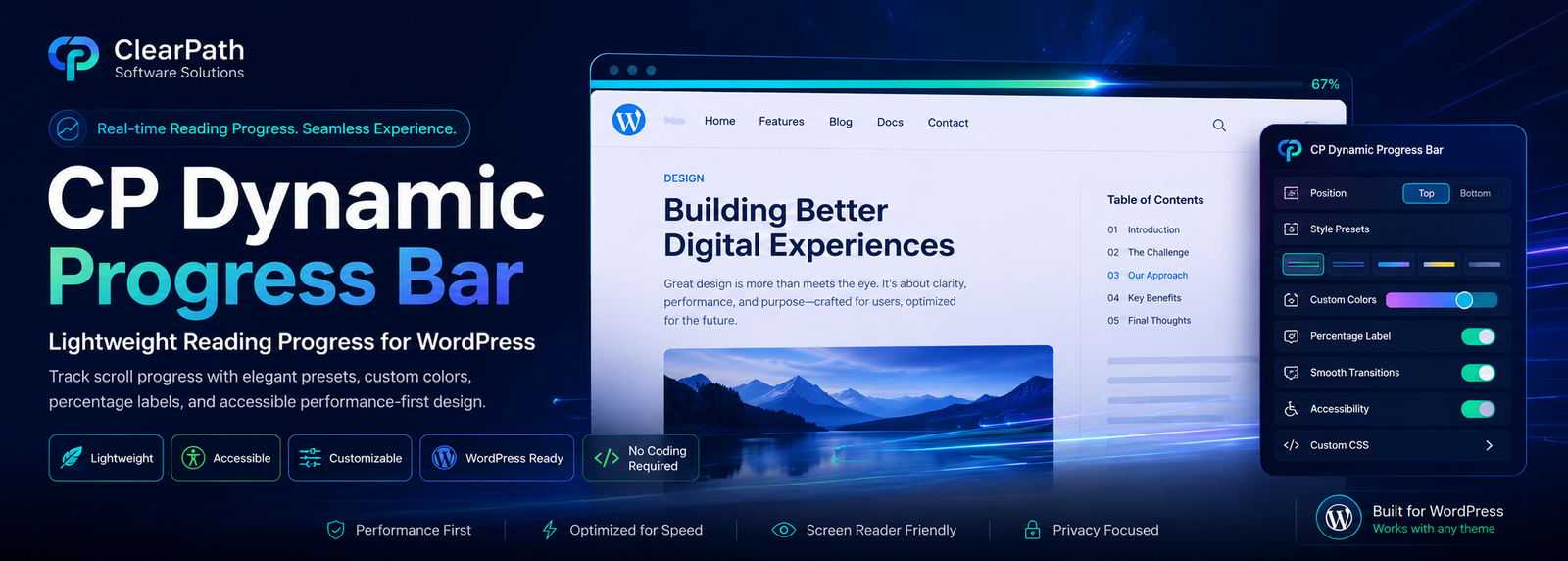
CP Dynamic Progress Bar
CP Dynamic Progress Bar adds a sleek, reading progress indicator to your WordPress posts, pages, and public custom post types. Give visitors a clear sense of how far they’ve scrolled with customizable colors, elegant presets, optional percentage labels, smooth transitions, and accessibility-friendly markup. Built for performance, designed for clarity, and crafted for cleaner WordPress experiences.
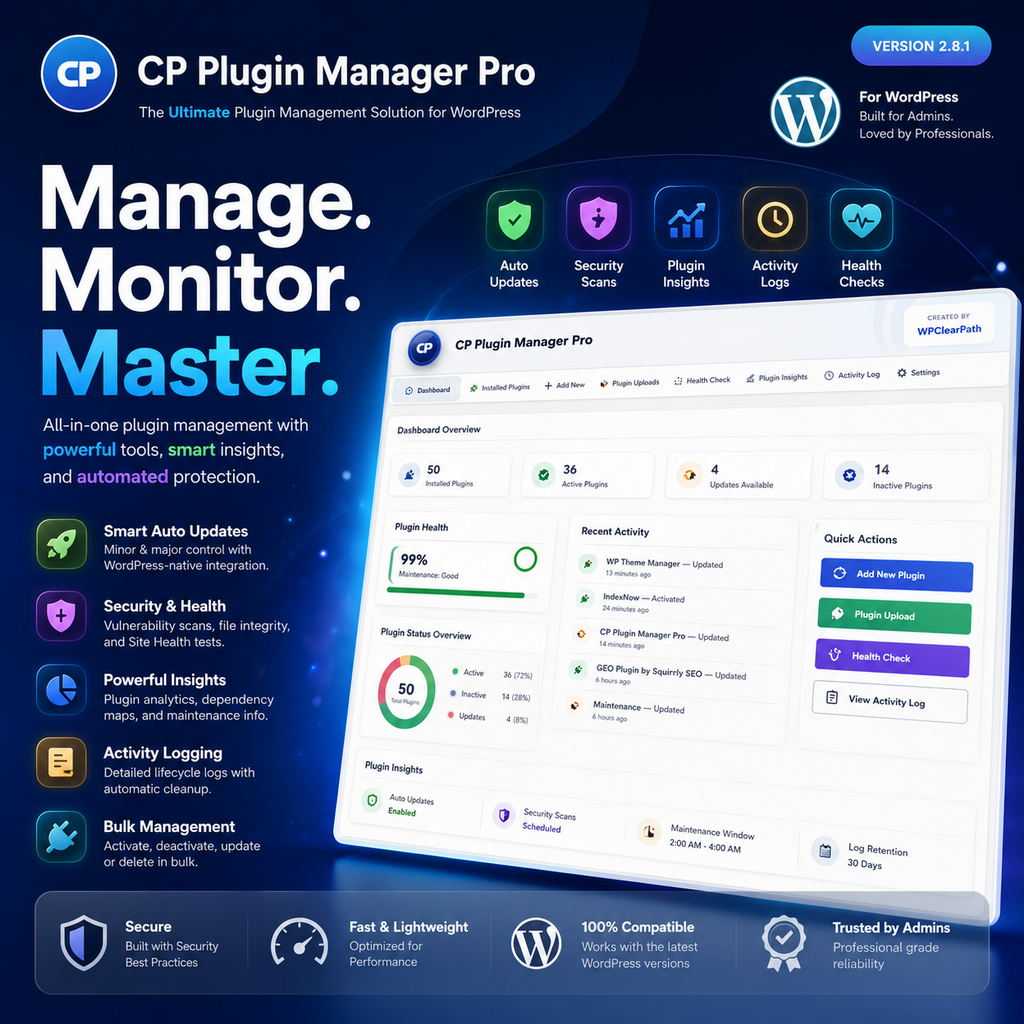
CP Plugin Manager Pro
CP Plugin Manager Pro gives WordPress administrators a faster, safer, and more organized way to manage every plugin from one professional dashboard. Install new plugins, activate or deactivate extensions, run updates, control automatic updates, review plugin health, monitor dependencies, inspect file integrity, and track important plugin activity—all without jumping between multiple WordPress screens.
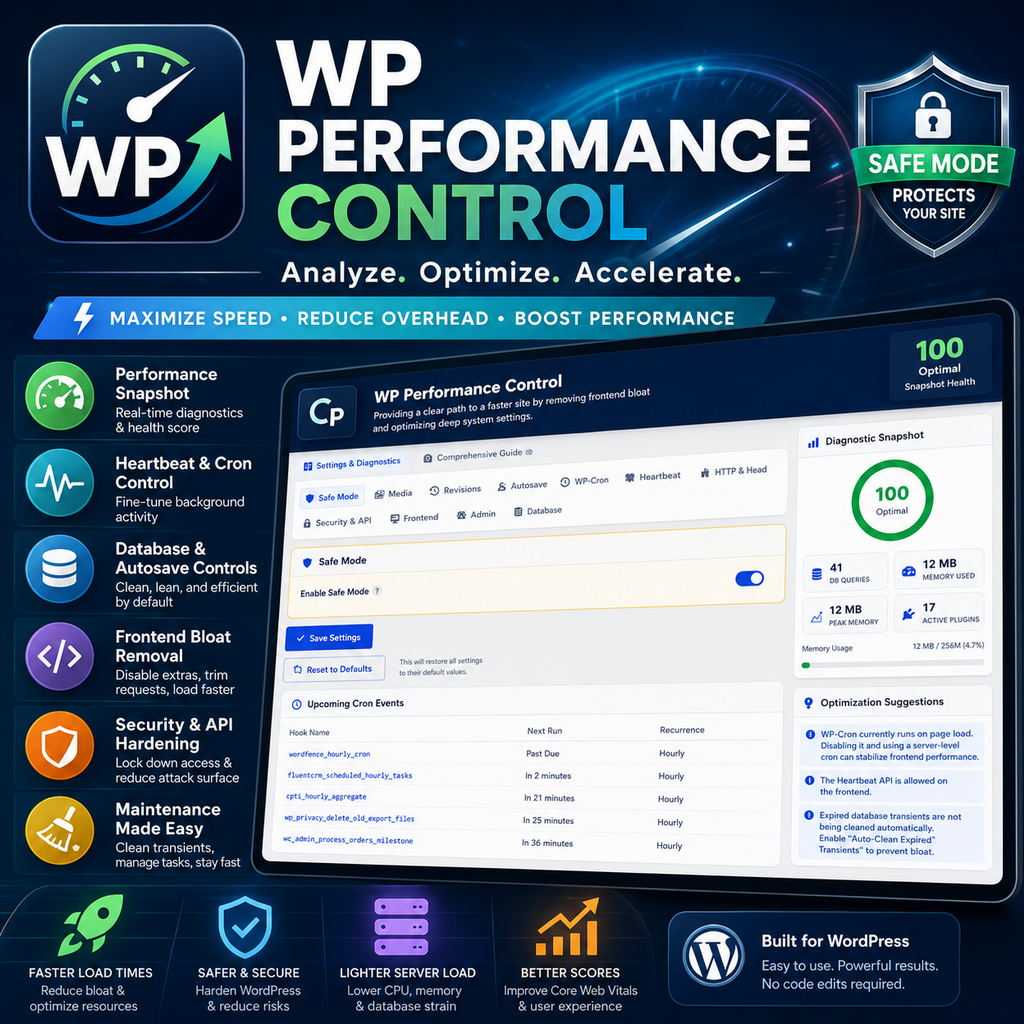
WP Performance Control
WP Performance Control gives WordPress administrators a simple, powerful dashboard for managing performance, cleanup, frontend optimization, security, and system behavior — without editing code or touching wp-config.php. Perfect for site owners, developers, agencies, and WordPress power users who want more control over performance or risky manual edits.