CP Dynamic Progress Bar
CP Dynamic Progress Bar adds a sleek, reading progress indicator to your WordPress posts, pages, and public custom post types. Give visitors a clear sense of how far they’ve scrolled with customizable colors, elegant presets, optional percentage labels, smooth transitions, and accessibility-friendly markup. Built for performance, designed for clarity, and crafted for cleaner WordPress experiences.
CP Dynamic Progress Bar 🚀
A featherweight, accessible reading progress indicator that visualizes scroll depth, hooks reader attention, and significantly boosts time-on-page.
♿ WCAG & ARIA Compliant
🎨 4 Pro Presets + Custom CSS
🎯 Per-Post-Type Control
💡 Why Your Readers Need a Progress Bar
Over 70% of web visitors abandon long-form articles simply because they cannot gauge how much content is left. A dynamic scroll-progress bar sets a clear visual milestone, reducing bounce rates and encouraging readers to complete your tutorials, reviews, documentation, and long-form guides.
Unlike bloated multi-purpose plugins that load heavyweight frameworks on every page, CP Dynamic Progress Bar is laser-focused: under 5 KB total footprint, zero jQuery dependencies, and strictly conditional asset loading.
🎨 4 Designer Presets Ready in 1 Click
⚡ Core Features & Capabilities
Granular Post-Type Control
Target posts, pages, or custom post types (CPTs) individually with simple checkboxes. Attachment pages are automatically excluded.
Native Color Customizer
Select your primary and secondary theme colors using WordPress’s built-in color picker. Seamless brand matching in seconds.
Position & Sizing Control
Dock the bar securely at the top or bottom of the viewport. Adjust bar height (1–20px) and customize the z-index to stay above sticky headers.
Live Percentage Readout
Optionally display an exact reading percentage counter (e.g., “74%”) aligned left, center, or right with smooth real-time updating.
A11y & Motion Aware
Built with accessible role="progressbar" and dynamic aria-valuenow. Automatically respects prefers-reduced-motion and high-contrast modes.
60fps Jitter-Free Scrolling
Powered by passive scroll listeners and requestAnimationFrame paint scheduling. Will never freeze or lag page scrolling.
🛠️ Up & Running in Under 60 Seconds
Upload the plugin zip to your WordPress dashboard and click Activate.
Navigate to Settings → CP Progress Bar. Pick your preset, brand colors, height, and display position.
That’s it! Your selected post types immediately feature an elegant, responsive progress bar.
📋 Technical Specifications
| WordPress Compatibility | Version 6.0 through 7.0+ |
| PHP Compatibility | PHP 7.4 up to PHP 8.3+ |
| Asset Footprint | Under 5 KB minified (zero external libraries / no jQuery) |
| Page Builder Support | Elementor, Beaver Builder, Divi, Bricks, Gutenberg & Classic Editor |
| Privacy & GDPR | 100% Private — No telemetry, no external fonts, no cookies |
| Uninstallation | 100% Clean uninstall — removes all DB options automatically |
❓ Frequently Asked Questions
#cppb-bar-wrapper and #cppb-bar-fill to customize borders, shadows, or specialized styling without touching theme templates.
🎉 Upgrade Your Content Experience Today!
Give your readers the visual feedback they love. Keep them scrolling, reading, and engaging with your content longer.
Related Products

ClearPath Spinners
Add a smooth, professional loading overlay to your WordPress site whenever visitors navigate between pages. CP Spinners is a lightweight loading utility designed to display customizable, accessible frontend loaders without relying on heavy external libraries or jQuery. This plugin lets you choose from 32 unique spinner styles across 8 categories.
CP Admin Menu Styler Pro
Transform your WordPress dashboard with CP Admin Menu Styler Pro. Customize the admin menu with 100 professional preset themes, custom colors, fonts, gradients, menu organization tools, dark mode styles, and import/export options. Built by ClearPath Software Solutions, this lightweight plugin helps you create a cleaner, branded, and more enjoyable admin experience without adding dashboard bloat.

CP Breadcrumb Trail
CP Breadcrumb Trail adds intelligent, accessible, and schema-ready breadcrumb navigation to your WordPress website. Add a trail with the simple [[breadcrumb]] shortcode or enable automatic placement for selected content types. Choose from 25 professionally designed presets, customize colors and appearance, and give visitors a clearer path through your site—without editing theme files.

CP Dashboard Plus
Transform your WordPress admin into an agency-grade command center with CP Dashboard Plus. Enjoy twenty modular productivity and diagnostic widgets, flexible one-to-four column layouts, granular role-based visibility, and automated operations monitoring. Lightweight, secure, and fast, deliver a tailored, beautifully branded client experience with zero database bloat, background caching, and total design control for every site.
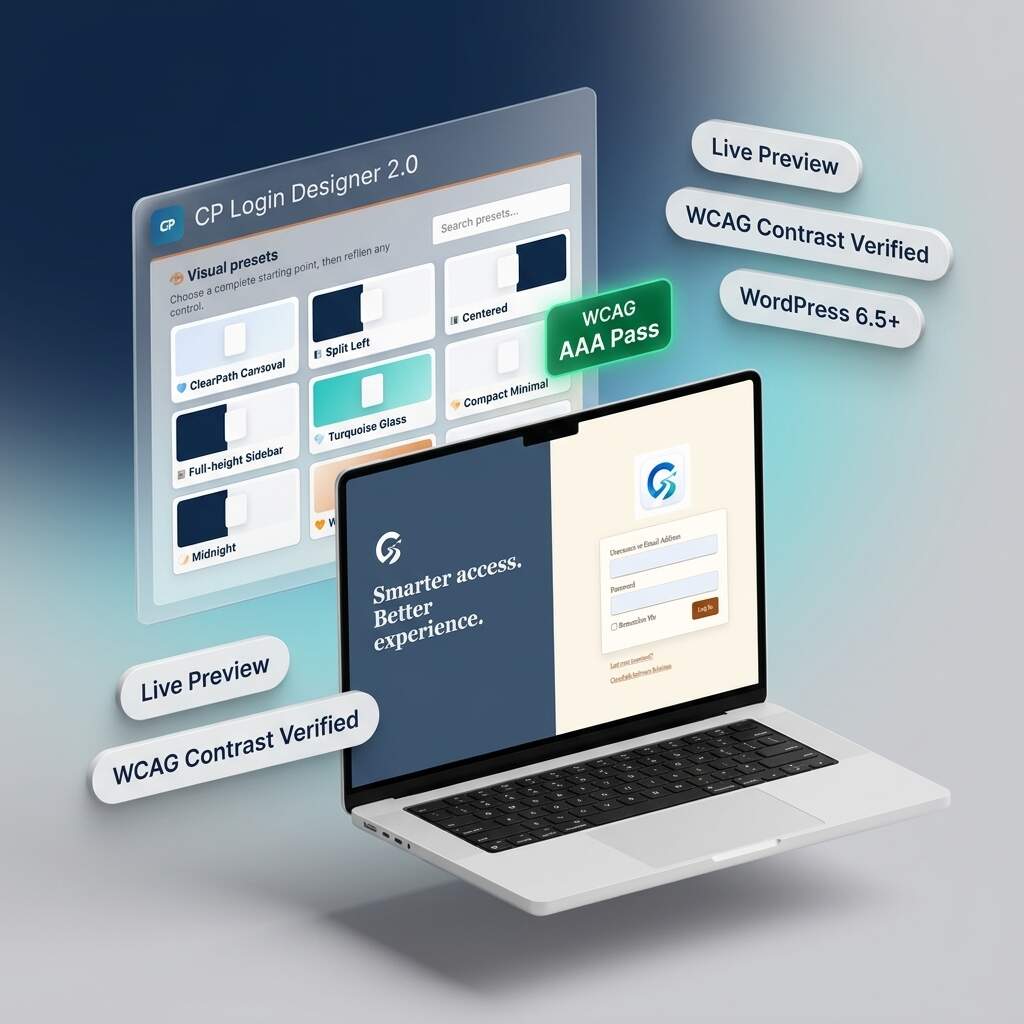
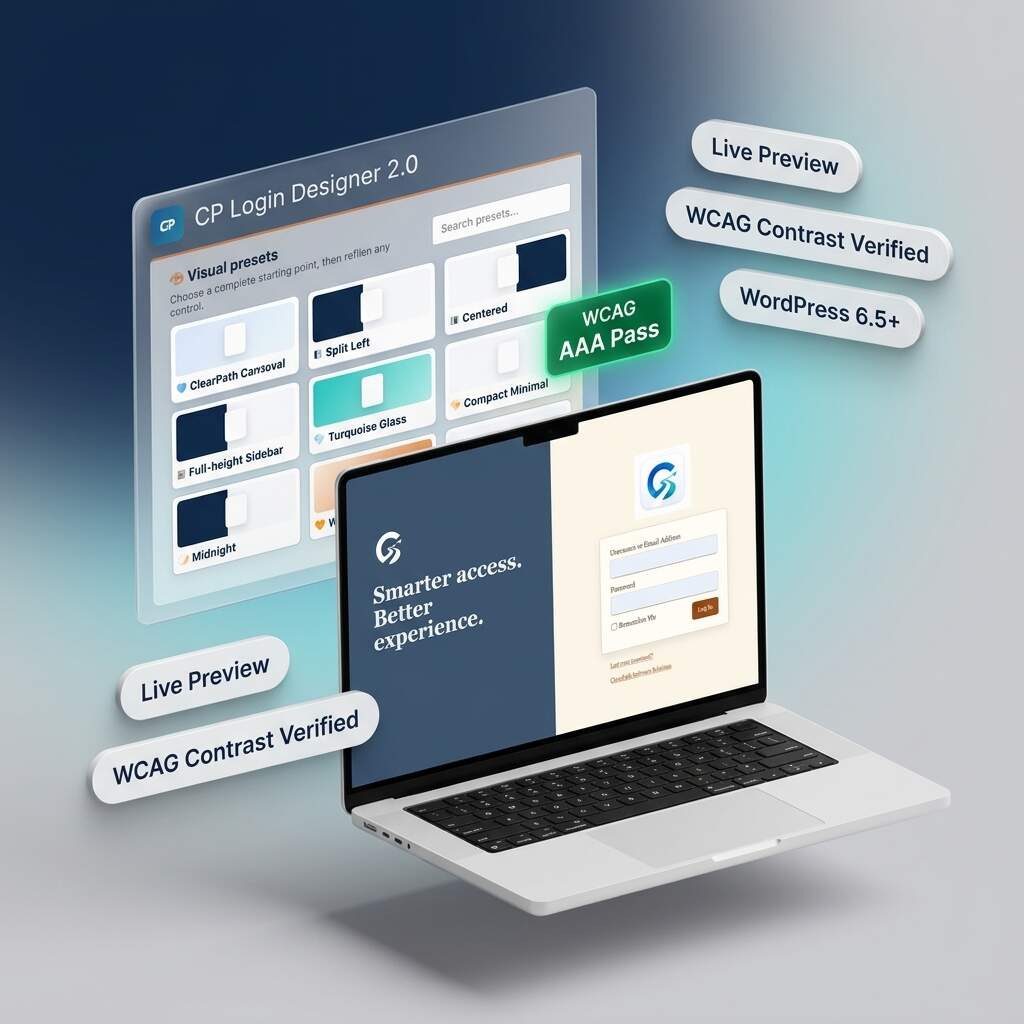
CP Login Designer
Transform generic WordPress login screens into stunning, agency-grade branded portals with CP Login Designer 2.0. Featuring nine curated presets, split-screen layouts, and real-time responsive previews, you can customize every detail safely. Built with an automated WCAG accessibility assistant and zero-bloat static CSS compilation, deliver fast, accessible, and polished client experiences without ever writing any code.

CP Performance Control
CP Performance Control gives WordPress administrators a simple, powerful dashboard for managing performance, cleanup, frontend optimization, security, and system behavior — without editing code or touching wp-config.php. Perfect for site owners, developers, agencies, and WordPress power users who want more control over performance or risky manual edits.