
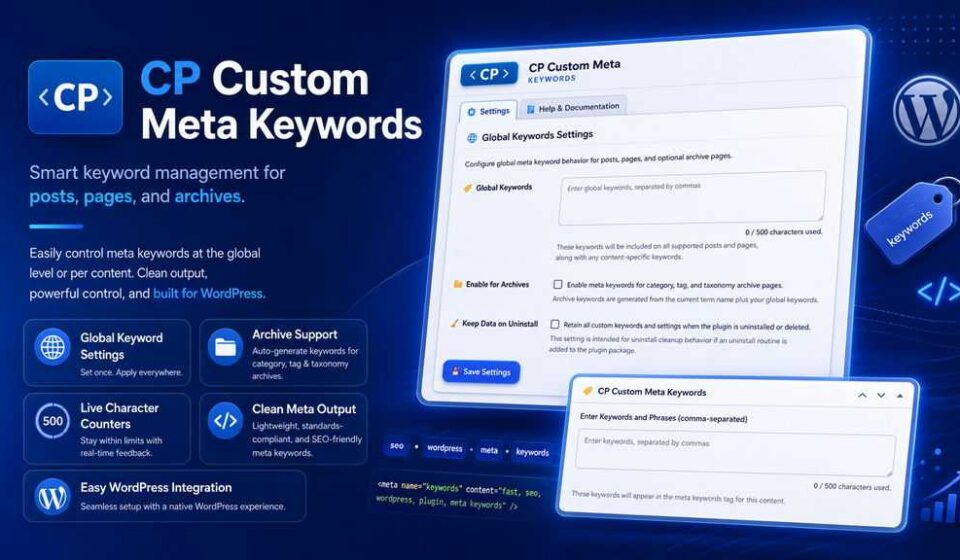

CP Custom Meta Keywords
CP Custom Meta Keywords gives you simple, focused control over meta keyword output for your WordPress posts, pages, and archive pages. Add custom keywords per content item, define global keywords sitewide, automatically include post tags, and manage everything from a clean CP-branded admin panel with live character counters and archive support.
🎯 Custom Meta Keywords for WordPress
Take total surgical control over your site’s meta keywords. Clean, fast, and engineered with the native WordPress Object Cache API for zero database bloat and blazing-fast delivery.
🛡️ Enterprise-Grade Sanitization
♿ WCAG 2.1 AA Accessible
🌐 Multibyte & RTL Ready
📥 Download Now — Instant Setup
💡 Why Do You Need Custom Meta Keywords?
Heavyweight “all-in-one” SEO suites bloat your database with dozens of unnecessary tables, aggressive upsell notices, and hundreds of kilobytes of frontend scripts.
Custom Meta Keywords gives you clean, targeted metadata injection without the bloat. Whether you need meta keywords for specific international search engines (Baidu, Yandex, Naver), internal company search indexes, or niche directories, this plugin gets the job done cleanly and intelligently.
🌟 Powerful Features Engineered for Performance
Everything you need to manage custom keywords effortlessly.
Post & Page Meta Box
Add comma-separated keywords directly on your post or page editing screens. Works natively with both Gutenberg and the Classic Editor.
Smart Tag Merging
Automatically pulls assigned post tags and merges them seamlessly with your custom keywords—intelligently deduplicated!
Global Keywords Hub
Define site-wide keywords in a dedicated settings panel to ensure your brand name and key focus phrases display across every page.
Archive & Taxonomy Support
Toggle one setting to automatically output relevant meta keywords on category and tag archive pages for complete indexing coverage.
WP Object Cache Integration
Built with 12-hour high-speed caching and automatic cache busting on post update/save. Works flawlessly with Redis & Memcached.
Accessible & International
WCAG 2.1 AA compliant UI with screen-reader character counts, full RTL stylesheet support, and multibyte (UTF-8) safety.
⚖️ Custom Meta Keywords vs. Heavy SEO Plugins
| Feature | Custom Meta Keywords | Bloated All-In-One Plugins |
|---|---|---|
| ⚡ Page Load Impact | 0.00s (Pure In-Memory Cache) | Noticeable DB overhead |
| 🗃️ Database Clutter | Zero extra custom tables | 5 to 25+ extra SQL tables |
| 🚫 Admin Ads & Upsells | Zero popups or nag banners | Constant Pro upsell alerts |
| 🧹 Safe Uninstall | Option to wipe or retain data | Leaves lingering database junk |
| ♿ Accessibility Standard | Full WCAG 2.1 AA Compliance | Often inaccessible UI |
🚀 3 Easy Steps to Get Started
Install & Activate
Upload the zip file via Plugins > Add New or install it in seconds.
Set Global Rules
Navigate to Settings > Custom Meta Keywords to define brand phrases and archive toggles.
Tag Any Post or Page
Add specific keywords inside the editor meta box. The plugin sanitizes, caches, and outputs them automatically!
⚙️ Technical Specifications
❓ Frequently Asked Questions
🔍 Does this plugin slow down my site?
No, quite the opposite! The plugin relies on the native WordPress Object Cache API. Keywords are cached for 12 hours in memory, meaning virtually zero database hits on page visits.
🏷️ Can it automatically include standard WordPress tags?
Yes! Standard post tags are automatically pulled, sanitized, and merged with your custom keywords and global keywords without duplicate entries.
🔄 How does cache invalidation work?
Whenever you update, publish, or delete a post, or modify its terms, the cache for that post is automatically purged and refreshed instantly.
🧹 What happens if I uninstall the plugin?
You have complete control! The settings panel includes a “Keep Data on Uninstall” toggle. Turn it off to wipe every trace from your database, or keep it on if you plan to reinstall later.
⚡ Ready to Upgrade Your Site’s Meta Strategy?
Experience high-performance, clutter-free meta keyword management designed for modern WordPress websites.
📥 Download Custom Meta Keywords (.zip)
⚡ Instant ZIP Download
🛠️ Lifetime Updates
Related Products
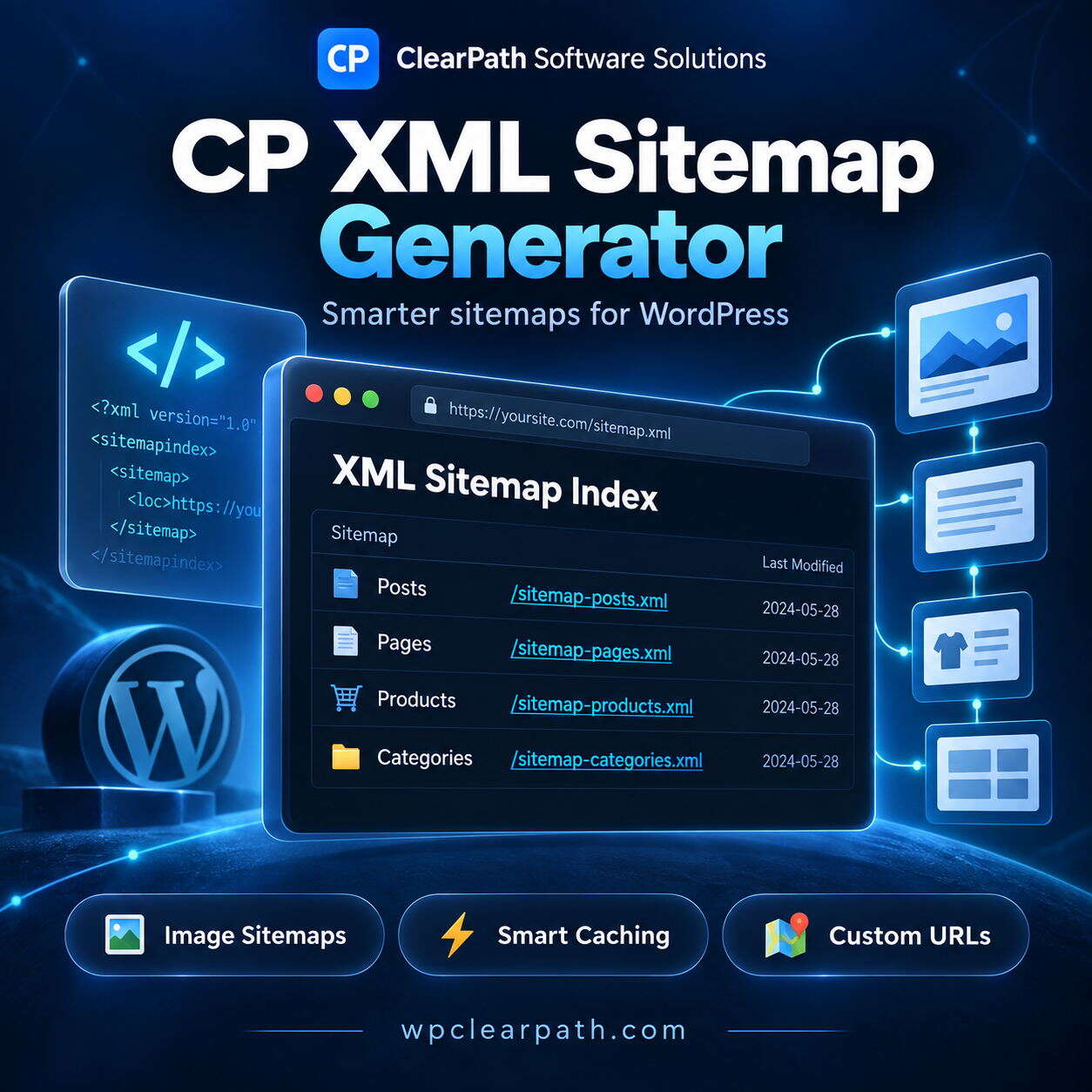
ClearPath XML Sitemap Generator
Generate fast, standards-compliant XML sitemaps for Google, Bing, and all major search engines. Features automatic image extraction, interactive searchable XSLT styling, intelligent transient caching, and memory-safe pagination for large sites. Easily exclude content, customize priorities, and auto-sync your robots.txt file. Boost your SEO indexing with a lightweight, bloat-free solution built for modern WordPress websites today.


