CP Plugin Manager Pro
Take total control of your WordPress plugins with CP Plugin Manager Pro. Prevent accidental site crashes with dependency safeguards, lock critical plugins, and enforce safe minor-only auto-updates. Verify code integrity with live WordPress.org checksum checks, inspect ZIP replacements safely, and track every change through private, secret-redacted activity audit logs from one powerful, centralized administrative dashboard.

🔌 CP Plugin Manager Pro
The all-in-one command center for WordPress plugin governance, smart auto-updates, dependency protection, security auditing, and forensic activity logging.
🔍 WP.org Checksum Integrity
📜 Redacted Activity Logs
🌐 Multisite Ready
💡 Why Default WordPress Plugin Management Puts Your Site At Risk
❌ The Standard WordPress Experience:
- Accidentally deactivate WooCommerce or ACF and crash dependent child plugins.
- Auto-updates trigger breaking major releases without warning.
- No audit trail: Who installed, deleted, or updated what plugin?
- No way to tag, assign internal owners, or track renewal dates.
- No verification if plugin files match official repository checksums.
✅ With CP Plugin Manager Pro:
- Smart Dependency Guards: Hard blocks against deactivating required plugins.
- Minor-Only Auto-Updates: Keep security patches flowing while major breaking versions wait for review.
- Tamper-Proof Activity Logs: Automatic secret redaction for complete audit compliance.
- Enterprise Governance: Mark plugins “Protected” & “Critical”, track owners and licenses.
- Live Checksum Verification: Instantly check file integrity against WordPress.org.
✨ Power Features That Keep Sites Running Flawlessly
Dedicated Command Center Dashboard
Get an instant overview of your plugin ecosystem: total size of the plugins directory, active vs inactive counts, updates pending, and direct shortcuts right from the WordPress Admin Bar.
Plugin Insights & Governance
Assign internal team owners, record license renewal dates, write operational notes, and tag plugins. Mark plugins as Critical or Protected to lock them against accidental deactivation or deletion.
Intelligent Dependency Safeguards
Harnesses WordPress core’s WP_Plugin_Dependencies API. Never break a client site again—prevents activation if requirements are missing, and blocks deactivation of parent plugins.
Precision Auto-Update Policy
Tired of uncontrolled auto-updates causing whitescreens? Filter updates to Minor-Only (e.g. 2.4.1 → 2.4.2 allows security fixes while major 3.0.0 releases require manual authorization). Set customized maintenance windows!
Official WP.org Checksum Integrity
Compare your installed code against official WordPress.org release hashes on demand. Instantly detect tampered files, altered core scripts, or accidental modifications.
Smart ZIP Uploads & Replacement
Uploading a custom or premium plugin ZIP? Get a side-by-side installed-versus-uploaded version comparison with an explicit safety confirmation before replacing existing files.
Private Audit Logs with Secret Redaction
Keep complete visibility over every installation, update, activation, and deletion. Stored in a private custom post type that automatically scrubs passwords, API keys, and authorization tokens!
Modern Discovery & Category Filters
Search the WordPress.org repository directly with rich cards, featured selections, and 13 curated category filters (Performance, Security, SEO, eCommerce, Analytics, Forms, and more).
Lifecycle Email Alerts & Site Health
Receive instant email notifications when plugins are updated, activated, or deactivated. Integrates four direct diagnostic tests straight into the native WordPress Site Health tool.
👥 Tailored for WordPress Professionals
🏢 Agencies & Freelancers
Lock critical plugins so clients don’t accidentally deactivate essential builders or licensing tools. Track ownership and renewal dates easily.
🛍️ WooCommerce & High-Traffic Stores
Enforce minor-only updates and maintain maintenance windows so unexpected third-party plugin updates never break your checkout funnel.
🛡️ Security & Compliance Admins
Retain bounded, redacted audit logs of every single lifecycle action. Check files against official WP.org hashes to verify code integrity.
📊 Default WordPress vs CP Plugin Manager Pro
⚙️ Technical Specifications & Compatibility
❓ Frequently Asked Questions
Does this plugin replace WordPress core updates?
No. CP Plugin Manager Pro works seamlessly on top of native WordPress core APIs (auto_update_plugin filter and WordPress Upgrader). It enhances core reliability without circumventing it.
Can a user accidentally deactivate or delete CP Plugin Manager Pro?
No! The plugin features built-in self-protection and locks against being deactivated or deleted from its own interface, preventing abrupt management session loss.
Will the activity log slow down my database?
Not at all. CP Plugin Manager Pro uses an automated daily scheduled cleanup routine with strictly bounded batch removals (up to 250 records per batch) and customizable retention periods (7 to 365 days).
Does it support WordPress Multisite?
Yes! Network-active plugins are recognized appropriately and protected from being erroneously deactivated at the subsite level.
🚀 Take Total Command of Your WordPress Plugins
Protect your sites from broken dependencies, unwanted major auto-updates, and blind administrator changes. Install CP Plugin Manager Pro today.
📥 Download CP Plugin Manager Pro Now
Related Products

ClearPath Spinners
Add a smooth, professional loading overlay to your WordPress site whenever visitors navigate between pages. CP Spinners is a lightweight loading utility designed to display customizable, accessible frontend loaders without relying on heavy external libraries or jQuery. This plugin lets you choose from 32 unique spinner styles across 8 categories.
CP Admin Menu Styler Pro
Transform your WordPress dashboard with CP Admin Menu Styler Pro. Customize the admin menu with 100 professional preset themes, custom colors, fonts, gradients, menu organization tools, dark mode styles, and import/export options. Built by ClearPath Software Solutions, this lightweight plugin helps you create a cleaner, branded, and more enjoyable admin experience without adding dashboard bloat.

CP Breadcrumb Trail
CP Breadcrumb Trail adds intelligent, accessible, and schema-ready breadcrumb navigation to your WordPress website. Add a trail with the simple [[breadcrumb]] shortcode or enable automatic placement for selected content types. Choose from 25 professionally designed presets, customize colors and appearance, and give visitors a clearer path through your site—without editing theme files.

CP Dashboard Plus
Transform your WordPress admin into an agency-grade command center with CP Dashboard Plus. Enjoy twenty modular productivity and diagnostic widgets, flexible one-to-four column layouts, granular role-based visibility, and automated operations monitoring. Lightweight, secure, and fast, deliver a tailored, beautifully branded client experience with zero database bloat, background caching, and total design control for every site.

CP Dynamic Progress Bar
CP Dynamic Progress Bar adds a sleek, reading progress indicator to your WordPress posts, pages, and public custom post types. Give visitors a clear sense of how far they’ve scrolled with customizable colors, elegant presets, optional percentage labels, smooth transitions, and accessibility-friendly markup. Built for performance, designed for clarity, and crafted for cleaner WordPress experiences.
CP Login Designer
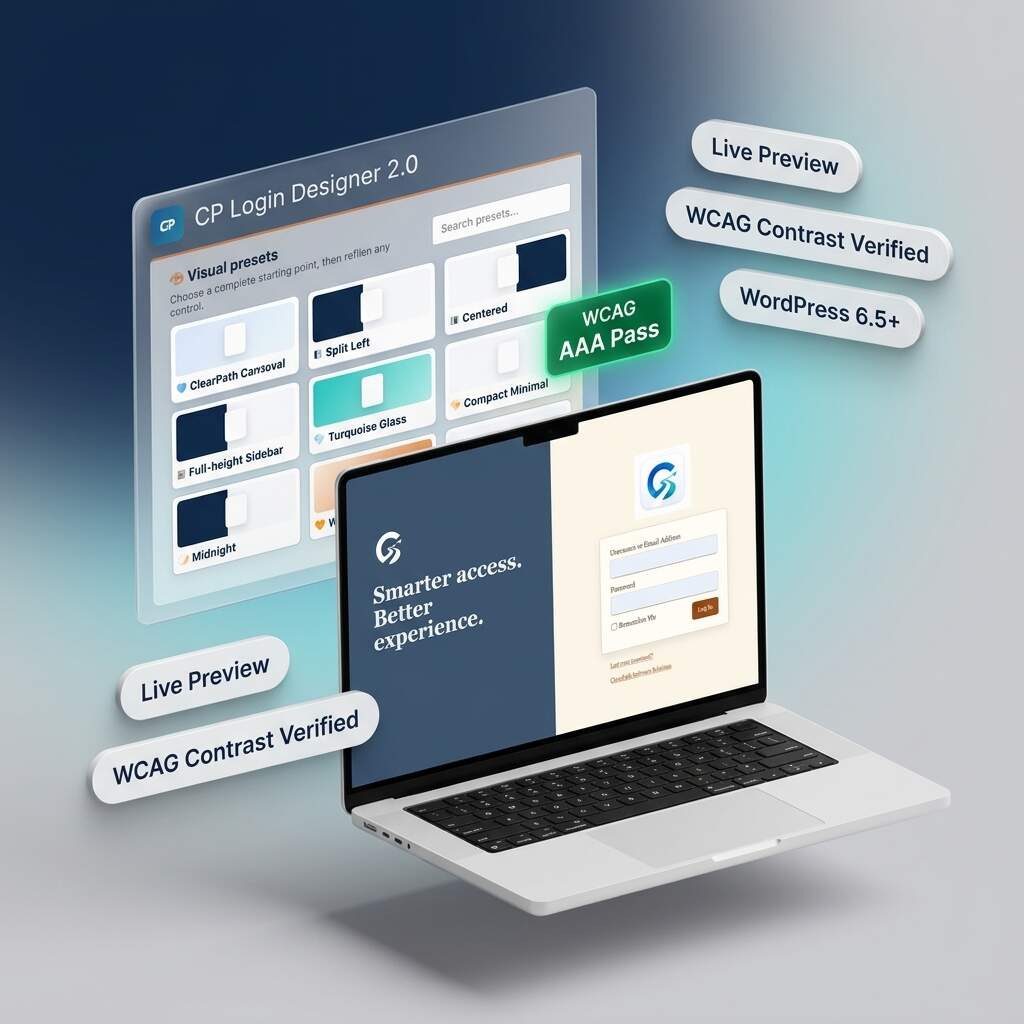
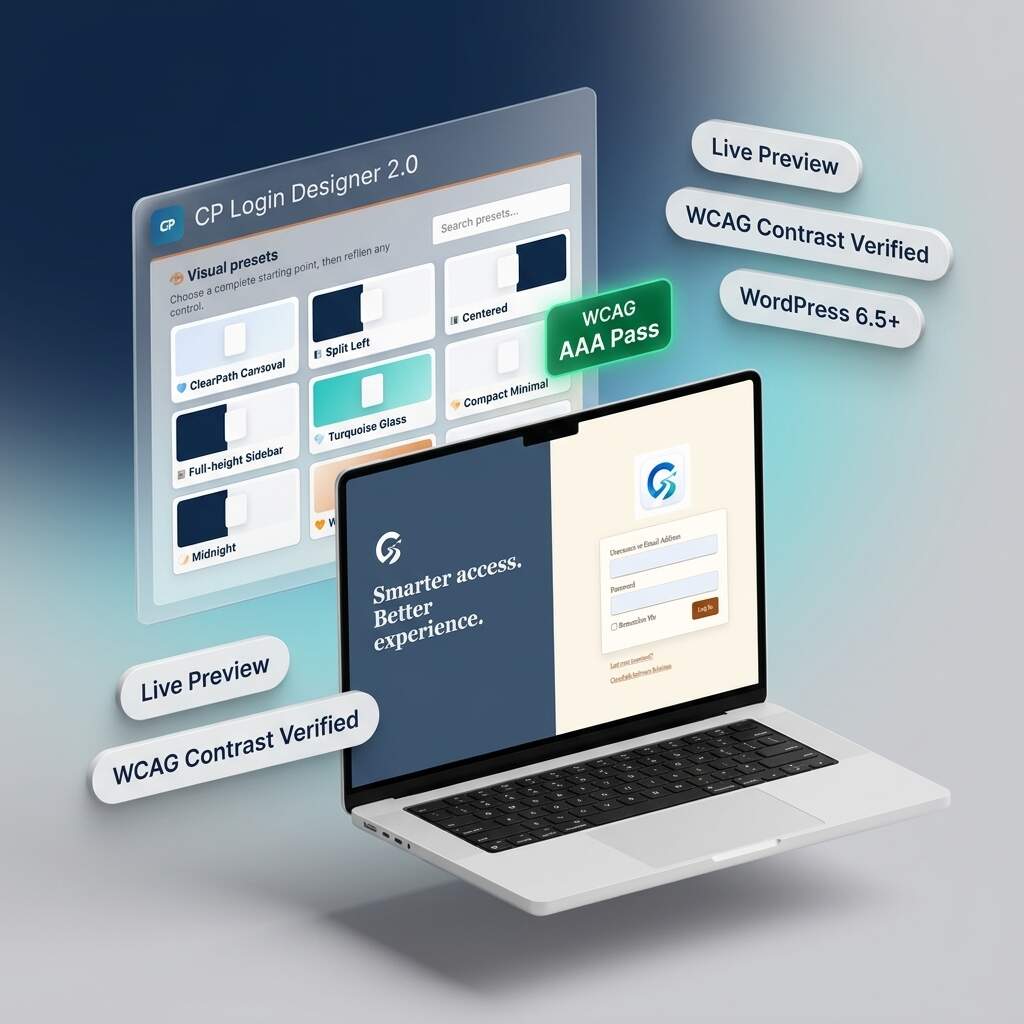
Transform generic WordPress login screens into stunning, agency-grade branded portals with CP Login Designer 2.0. Featuring nine curated presets, split-screen layouts, and real-time responsive previews, you can customize every detail safely. Built with an automated WCAG accessibility assistant and zero-bloat static CSS compilation, deliver fast, accessible, and polished client experiences without ever writing any code.