


CP Breadcrumb Trail
CP Breadcrumb Trail adds intelligent, accessible, and schema-ready breadcrumb navigation to your WordPress website. Add a trail with the simple [[breadcrumb]] shortcode or enable automatic placement for selected content types. Choose from 25 professionally designed presets, customize colors and appearance, and give visitors a clearer path through your site—without editing theme files.
CP Breadcrumb Trail 🧭
The intelligent, context-aware, and schema-ready breadcrumb engine for WordPress. Elevate user navigation and dominate Google search results with zero configuration.
⚡ 100% Zero-Bloat
🔍 Always-On Schema.org JSON/Microdata
🎨 24+ Designer Presets
♿ WCAG & ARIA Compliant
💡 Why Settle for Ugly, Broken, or Bloated Breadcrumbs?
Most breadcrumb plugins are either abandoned, inject messy inline CSS, break on custom post types, or fail Google’s strict Rich Result audits. CP Breadcrumb Trail fixes all of that. Designed for web professionals, agency builds, and serious site owners who demand pixel-perfect beauty, accessibility, lightning performance, and unmatched SEO firepower.
🚀 Built for Perfection: Key Features
Guaranteed Google Rich Results
Includes always-on, fully compliant Schema.org BreadcrumbList microdata with sequential ListItem positions, ancestor URLs, and page titles to earn high-converting rich snippets in search.
Intelligent Context Awareness
Accurately resolves complex site structures: hierarchical pages, posts, WooCommerce/e-commerce products, custom post types, hierarchical taxonomies, author/date archives, searches, and 404s.
3 Flexible Deployment Methods
Use the native Gutenberg Block with live preview, enable Automatic Zero-Code Insertion (before/after content or before CSS selectors like .content-container), or use the shortcode.
24+ Designer Presets & Custom Studio
Choose from 24 gorgeous presets (Classic, Chevron, Pill, Glass, Slate, Aurora, Minimal, etc.) or dial in custom brand colors, typography, margins, padding, borders, shadows, and smooth hover effects.
Surgical Page-Level Targeting
Include all pages, exclude specific pages, or include only selected pages via a searchable manager. Plus, an editor sidebar panel on every post/page to toggle visibility or set custom short labels.
Adaptive Mobile Presentation
No more broken layouts on mobile screens! Choose between graceful Wrapping, silky Horizontal-Scroll, or sleek Compact modes without losing your SEO schema.
⚡ Clean Architecture & Zero Clutter
- No Inline CSS Polluting Markup: Custom styles are generated as safe, cache-keyed static stylesheets via
WP_Filesystem. - Smart Conditional Preloading: Public styles and relocation scripts are enqueued only when breadcrumbs are rendered.
- Built-In Accessibility: Features semantic
<nav>landmark, ordered lists,aria-current="page", visible focus rings, and reduced-motion safety. - 1-Click Backup & Migration: Built-in JSON export and import tools allow instant, hassle-free configuration transfer across staging and production sites.
- Clean Uninstall: Automatically purges all database options and metadata when uninstalled. Zero leftover junk.
💻 Easy Shortcode Integration
Gutenberg & Classic Ready
Drop anywhere in content, sidebars, widgets, or theme templates with complete override control:
home_label, blog_label, show_current, separator, and more!
📦 What’s Included in Your Download
Complete, install-ready CP Breadcrumb Trail WordPress Plugin (ZIP)
24+ Pre-designed visual presets & themes
Built-in documentation, diagnostic tools & help panel
Full developer hooks & filter references
⚙️ Specifications & Compatibility
❓ Frequently Asked Questions
Does it require complicated setup?
Not at all! Activate it, and it will immediately generate context-aware breadcrumbs anywhere you drop the block or shortcode. If you want hands-free global placement, turn on Automatic Placement in settings with 1 click.
Will it slow down my website?
Zero speed impact. Styles are conditionally loaded only on pages where breadcrumbs appear, and database queries are aggressively cached and optimized to prevent N+1 overhead.
Can I hide breadcrumbs on specific pages or the homepage?
Yes. There is a dedicated toggle to hide breadcrumbs on the homepage, a searchable checklist to exclude or target specific pages globally, and an editor toggle right on each individual post/page editor.
Ready to Upgrade Your Site’s Navigation & SEO? 🚀
Give your visitors effortless navigation and give Google the structured data it craves. Download CP Breadcrumb Trail today!
Related Products

ClearPath Spinners
Add a smooth, professional loading overlay to your WordPress site whenever visitors navigate between pages. CP Spinners is a lightweight loading utility designed to display customizable, accessible frontend loaders without relying on heavy external libraries or jQuery. This plugin lets you choose from 32 unique spinner styles across 8 categories.
CP Admin Menu Styler Pro
Transform your WordPress dashboard with CP Admin Menu Styler Pro. Customize the admin menu with 100 professional preset themes, custom colors, fonts, gradients, menu organization tools, dark mode styles, and import/export options. Built by ClearPath Software Solutions, this lightweight plugin helps you create a cleaner, branded, and more enjoyable admin experience without adding dashboard bloat.

CP Dashboard Plus
Transform your WordPress admin into an agency-grade command center with CP Dashboard Plus. Enjoy twenty modular productivity and diagnostic widgets, flexible one-to-four column layouts, granular role-based visibility, and automated operations monitoring. Lightweight, secure, and fast, deliver a tailored, beautifully branded client experience with zero database bloat, background caching, and total design control for every site.

CP Dynamic Progress Bar
CP Dynamic Progress Bar adds a sleek, reading progress indicator to your WordPress posts, pages, and public custom post types. Give visitors a clear sense of how far they’ve scrolled with customizable colors, elegant presets, optional percentage labels, smooth transitions, and accessibility-friendly markup. Built for performance, designed for clarity, and crafted for cleaner WordPress experiences.
CP Login Designer
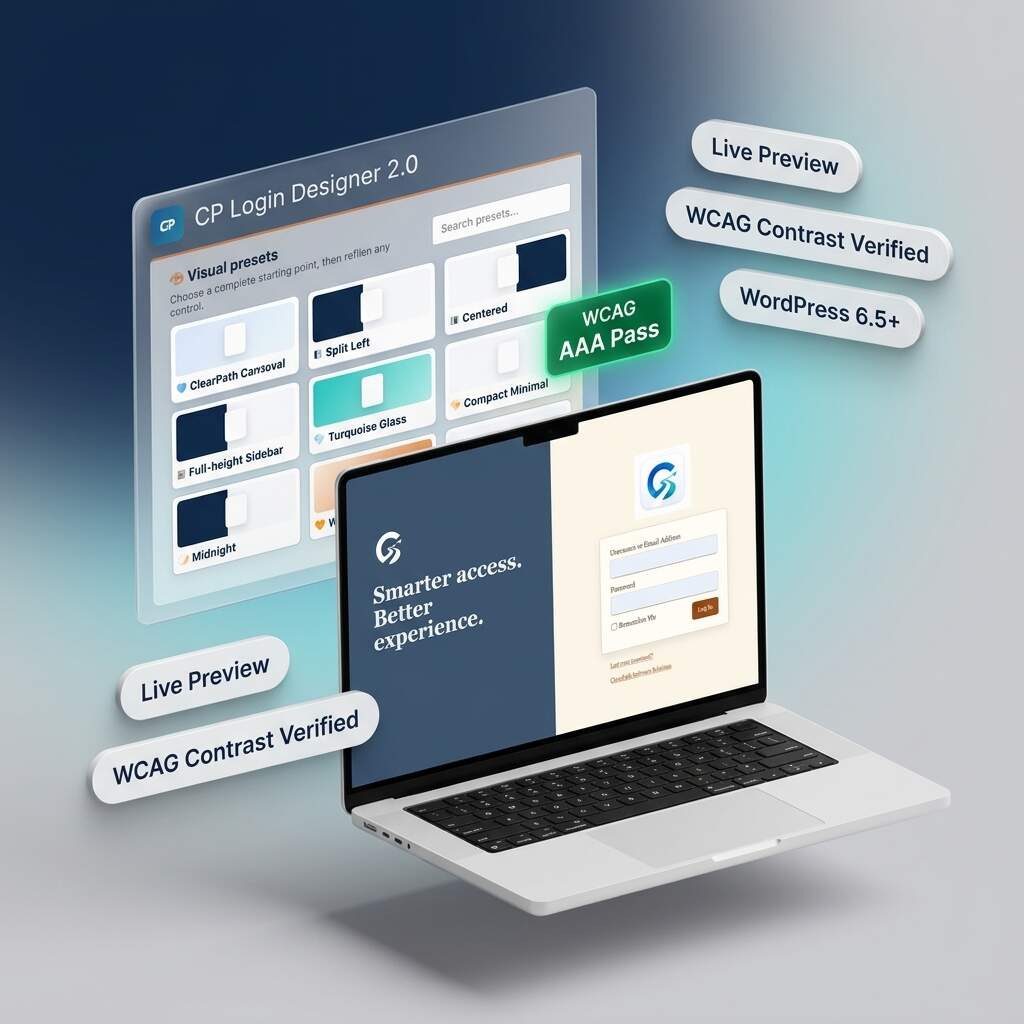
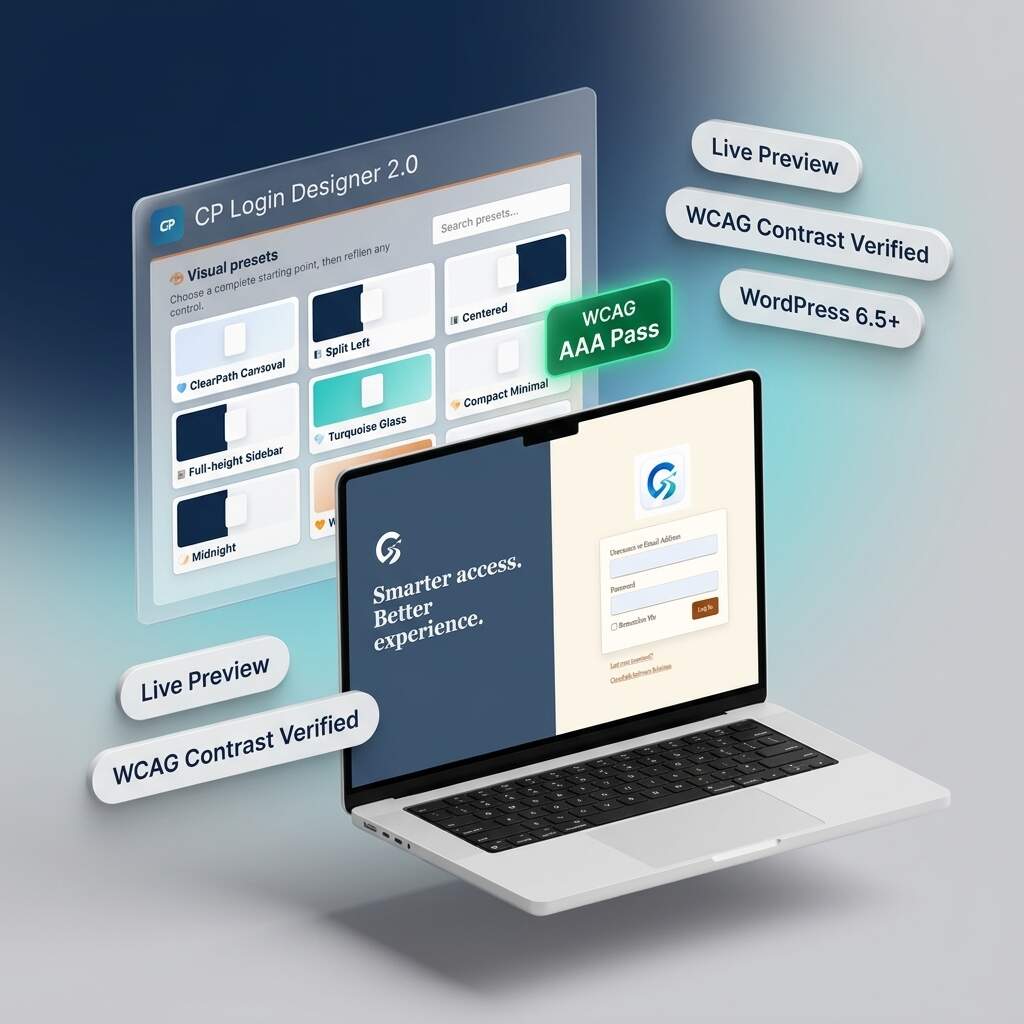
Transform generic WordPress login screens into stunning, agency-grade branded portals with CP Login Designer 2.0. Featuring nine curated presets, split-screen layouts, and real-time responsive previews, you can customize every detail safely. Built with an automated WCAG accessibility assistant and zero-bloat static CSS compilation, deliver fast, accessible, and polished client experiences without ever writing any code.

CP Performance Control
CP Performance Control gives WordPress administrators a simple, powerful dashboard for managing performance, cleanup, frontend optimization, security, and system behavior — without editing code or touching wp-config.php. Perfect for site owners, developers, agencies, and WordPress power users who want more control over performance or risky manual edits.


