CP Performance Control
CP Performance Control gives WordPress administrators a simple, powerful dashboard for managing performance, cleanup, frontend optimization, security, and system behavior — without editing code or touching wp-config.php. Perfect for site owners, developers, agencies, and WordPress power users who want more control over performance or risky manual edits.
Take Full Command of Your WordPress Speed 🚀
Eliminate hidden core bloat, tame runaway database revisions, throttle CPU-draining Heartbeats, and inspect live server health — all from one unified, beginner-friendly cockpit.
🛡️ Built-in Safe Mode
📊 Real-Time Diagnostic Engine
🪶 Zero External Tracking
💡 Why Is Your WordPress Site Creeping to a Crawl?
Out of the box, WordPress silently generates gigabytes of duplicate thumbnail sizes, polls your server continuously via AJAX while editing, saves dozens of revision duplicates per post, and enqueues heavy styling libraries your site may never touch.
👉 CP Performance Control gives you surgical precision to switch off what you don’t need, preserving precious CPU cycles and disk space without risking site breakdown.
Live Health Snapshot
Monitor real-time DB queries, peak memory footprints, OPcache, and persistent object cache states with one-click AJAX updates.
Foolproof Safe Mode
Enabled by default to prevent accidental site breakage. Destructive or breaking toggles stay locked until you deliberately lift protection.
Database Decrapifier
Limit or disable revisions, lengthen autosave windows, and schedule automated daily cleanups of stale expired transients.
🛠️ Deep-Dive Feature Modules
Granular optimization toggles engineered to strict WordPress standards.
3-Way Heartbeat API Throttling
Don’t let the WordPress admin pulse pin your server’s CPU to 100%. Control Heartbeat behavior independently across 3 zones:
- 🖥️ Dashboard: Keep widgets responsive without spam.
- ✍️ Post Editor: Prevent post lockouts & reduce ajax strain.
- 🌐 Frontend: Disable entirely where it’s never needed.
- ⏱️ Interval Customizer: Set polling from 15s to 120s.
Media & Disk Bloat Defense
Stop WordPress from stealthily filling up your hosting storage with unnecessary image versions:
- 📁 Disable Hidden Core Sizes: Prevent
medium_large,1536x1536, and2048x2048files. - 📐 Halt 2560px Scaling: Stop automatic downscaling of high-res master uploads.
- 🎨 Remove Block CSS: Strip unused
wp-block-libraryCSS on classic/builder sites. - 🎭 Strip Classic Theme Styles: Purge default WP 6.1+ style injections.
WP-Cron Orchestration & 20-Event Viewer
Take back control of scheduled tasks:
- 🛑 Disable Page-Load WP-Cron: Offload task execution to real system crons.
- 🔄 Alternate Cron Support: Spawn background loopback requests safely.
- 🔍 Live Cron Inspector: View the next 20 scheduled hooks, runtimes, and frequencies.
Security Hardening & Bot Mitigation
Block vulnerability hunters and scrape bots before they hit your database:
- 🚫 Disable XML-RPC & Pingbacks: Cut off brute force and DDoS vectors.
- 🕵️ Block User Enumeration: Shield
/wp-json/wp/v2/usersfrom author scraping. - 🔐 Restrict REST API: Lock the REST endpoints strictly to authenticated users.
- 🏷️ Remove WP Version: Hide the generator meta tag from automated scanners.
Frontend & Admin Streamlining
Strip out legacy tags, improve CDN cacheability, and declutter the dashboard:
- ✨ Purge Emoji Scripts: Kill external JS/CSS payload overhead.
- 🏷️ Clean Head Tags: Strip RSD, WLW Manifest, Shortlink, & RSS feeds.
- 🔗 Remove Version Query Strings: Allow proxies & CDNs to cache CSS/JS files.
- 🔕 Silenced Admin Interruptions: Disable pesky admin email verification nag screens.
🎯 Why Choose CP Performance Control?
100% privacy focused. No tracking pings, no telemetry, and zero remote analytics.
Dedicated
uninstall.php automatically purges all options & schedules upon deletion. No database debris.
Accurate plugin reporting and isolated setting scopes across single or network-wide setups.
Smart alerts inform you if
wp-config.php constants are already overriding plugin settings.
⚙️ Technical Specifications & Compatibility
💬 Frequently Asked Questions
No, because Safe Mode is enabled by default. Highly impactful options (such as disabling WP-Cron or locking down the REST API) stay protected until you intentionally unlock them. Always test changes on a staging site before updating production environments.
No. Media controls stop WordPress from generating excessive thumbnail duplicates on future uploads only. Your existing uploads remain completely untouched.
CP Performance Control is built to complement your favorite caching or CDN setup. While caching plugins store static HTML, CP Performance Control prevents backend bloat, cleans your DOM, slashes database queries, and limits PHP CPU overhead before pages are ever served.
⚡ Supercharge Your WordPress Performance Today
Instant download. Zero bloated code. Clear diagnostics and rigorous compliance built right in.
📥 Download CP Performance Control Now
Related Products

ClearPath Spinners
Add a smooth, professional loading overlay to your WordPress site whenever visitors navigate between pages. CP Spinners is a lightweight loading utility designed to display customizable, accessible frontend loaders without relying on heavy external libraries or jQuery. This plugin lets you choose from 32 unique spinner styles across 8 categories.
CP Admin Menu Styler Pro
Transform your WordPress dashboard with CP Admin Menu Styler Pro. Customize the admin menu with 100 professional preset themes, custom colors, fonts, gradients, menu organization tools, dark mode styles, and import/export options. Built by ClearPath Software Solutions, this lightweight plugin helps you create a cleaner, branded, and more enjoyable admin experience without adding dashboard bloat.

CP Breadcrumb Trail
CP Breadcrumb Trail adds intelligent, accessible, and schema-ready breadcrumb navigation to your WordPress website. Add a trail with the simple [[breadcrumb]] shortcode or enable automatic placement for selected content types. Choose from 25 professionally designed presets, customize colors and appearance, and give visitors a clearer path through your site—without editing theme files.

CP Dashboard Plus
Transform your WordPress admin into an agency-grade command center with CP Dashboard Plus. Enjoy twenty modular productivity and diagnostic widgets, flexible one-to-four column layouts, granular role-based visibility, and automated operations monitoring. Lightweight, secure, and fast, deliver a tailored, beautifully branded client experience with zero database bloat, background caching, and total design control for every site.

CP Dynamic Progress Bar
CP Dynamic Progress Bar adds a sleek, reading progress indicator to your WordPress posts, pages, and public custom post types. Give visitors a clear sense of how far they’ve scrolled with customizable colors, elegant presets, optional percentage labels, smooth transitions, and accessibility-friendly markup. Built for performance, designed for clarity, and crafted for cleaner WordPress experiences.
CP Login Designer
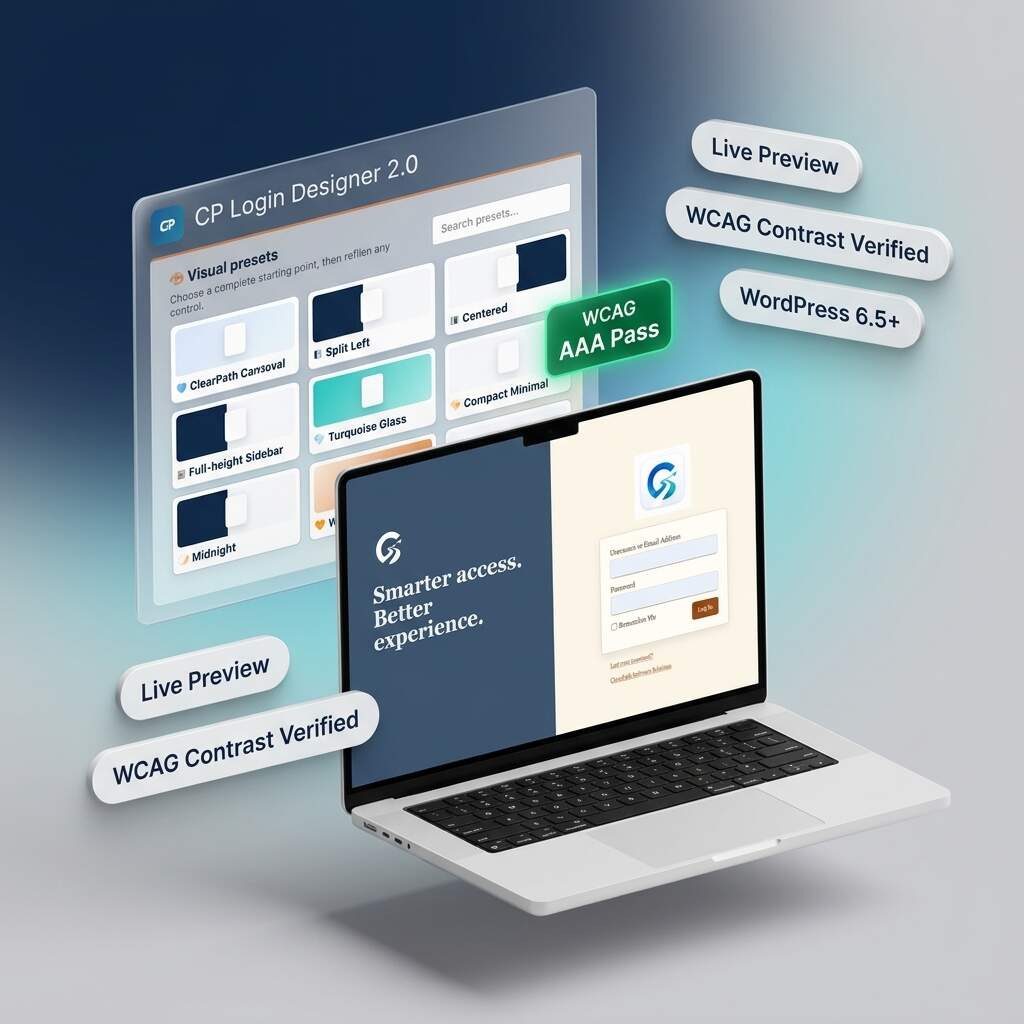
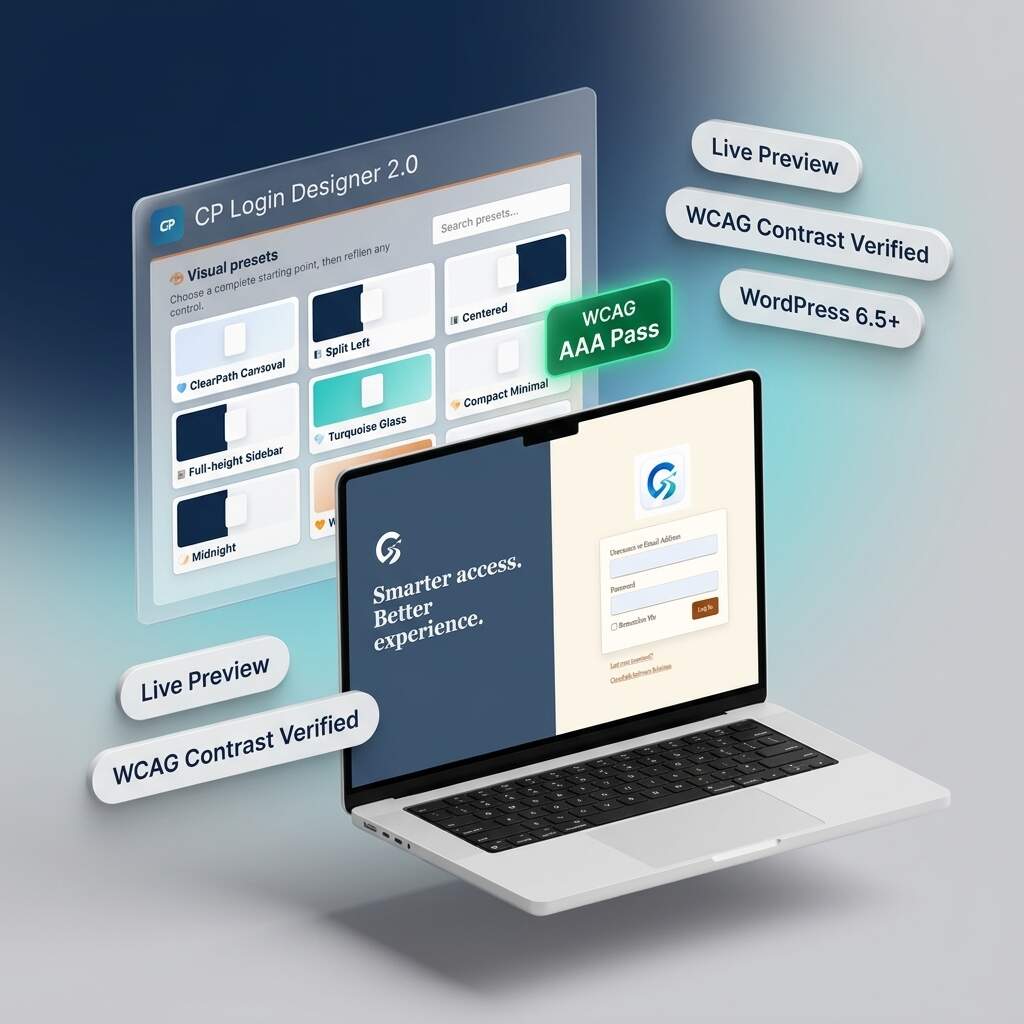
Transform generic WordPress login screens into stunning, agency-grade branded portals with CP Login Designer 2.0. Featuring nine curated presets, split-screen layouts, and real-time responsive previews, you can customize every detail safely. Built with an automated WCAG accessibility assistant and zero-bloat static CSS compilation, deliver fast, accessible, and polished client experiences without ever writing any code.