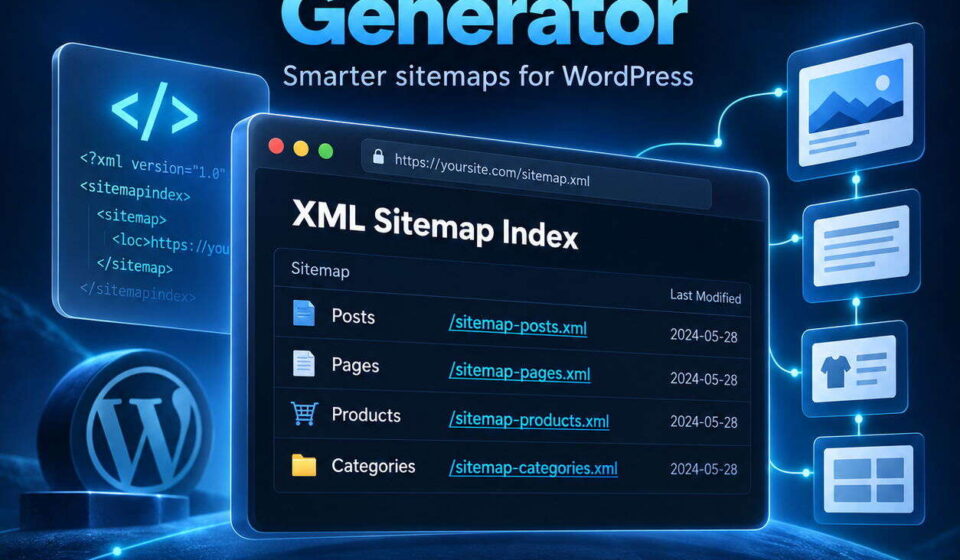
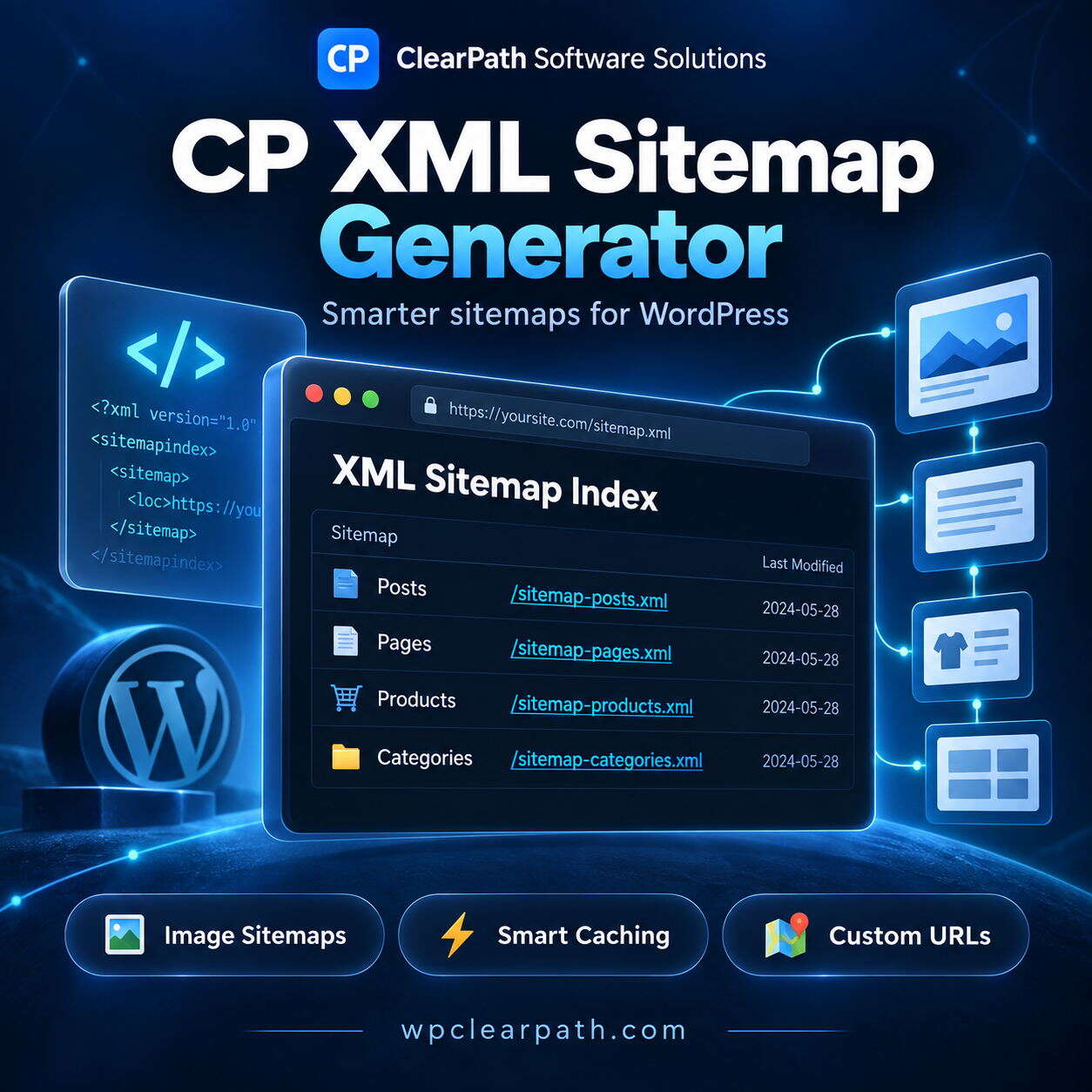
ClearPath XML Sitemap Generator
Generate fast, standards-compliant XML sitemaps for Google, Bing, and all major search engines. Features automatic image extraction, interactive searchable XSLT styling, intelligent transient caching, and memory-safe pagination for large sites. Easily exclude content, customize priorities, and auto-sync your robots.txt file. Boost your SEO indexing with a lightweight, bloat-free solution built for modern WordPress websites today.
🧭 CLEARPATH SOFTWARE SOLUTIONS
CP XML Sitemap Generator
🗺️ Give search engines a clearer path to your WordPress content.
ClearPath XML Sitemap Generator creates organized XML sitemaps that help search engines discover your posts, pages, products, images, and other public content. With automatic updates, smart caching, and a searchable sitemap display, it combines practical controls with a clean browsing experience.
🖼️ Image Sitemaps
⚡ Smart Caching
🎛️ Flexible Controls
🌙 Dark Mode Support
✨ Thoughtful Features for Better Sitemap Management
🗂️ Organized Content Coverage
Automatically generate a main sitemap index with separate sub-sitemaps for posts, pages, public custom post types, taxonomies, and authors. Include the content that matters to your website.
🖼️ Built-In Image Support
Include featured images and images within your content in XML sitemaps, helping search engines discover the visual content that accompanies your pages and posts.
🔎 A Sitemap You Can Browse
The optional XSLT stylesheet turns your sitemap into a readable browser display with live URL filtering, URL counts, copy-to-clipboard buttons, and dark mode support.
⚡ Caching That Follows Your Content
Serve cached sitemap output to reduce repeated processing. Relevant publishing, editing, deletion, and taxonomy changes automatically invalidate the cache so it can be refreshed.
🎛️ Choose What Appears
Exclude entire post types or taxonomies, specify individual post and term IDs, or exclude content directly from the post editor. Add custom or external URLs when needed.
📚 Room for Growing Websites
Split larger URL collections into manageable sub-sitemaps with configurable chunk sizes. Built-in pagination helps keep sitemap generation manageable as your content grows.
🤖 Robots.txt Integration
Help crawlers locate your sitemap with a sitemap directive in robots.txt. The plugin supports WordPress virtual robots.txt and includes one-click synchronization and diagnostics for physical robots.txt files.
🎯 Built for Your WordPress Workflow
A practical choice for bloggers, business websites, content publishers, developers, and stores using public product post types. Manage sitemap coverage from one settings area while giving visitors and administrators an easier way to inspect the sitemap itself.
🚀 Simple to Get Started
- Upload and activate the plugin in WordPress.
- Open Settings → XML Sitemap to configure your preferences.
- View your sitemap at yourwebsite.com/sitemap.xml.
- Submit your sitemap URL through Google Search Console or Bing Webmaster Tools.
🧭 ClearPath Tools. Clearer Site Management.
Bring organized XML sitemaps, image support, and flexible content controls to your WordPress website with CP XML Sitemap Generator.
Related Products

CP Custom Meta Keywords
CP Custom Meta Keywords gives you simple, focused control over meta keyword output for your WordPress posts, pages, and archive pages. Add custom keywords per content item, define global keywords sitewide, automatically include post tags, and manage everything from a clean CP-branded admin panel with live character counters and archive support.